
Instantly make your life easier
Save attachments automatically
It can take hours to collect and save documents. With our automation, you can save attachments to the correct location automatically.



Know where everything is saved

Cut down admin work.
Create automations that save documents automatically, no human required.

Reduce human error.
No more scrounging around your drives or folders looking for a document. The files go to the correct spot, every time.

Scaleable for growth.
With this solution, new criteria or documents can be added to the flow easily - no IT expertise needed.
How does it work? Let us show you!
1
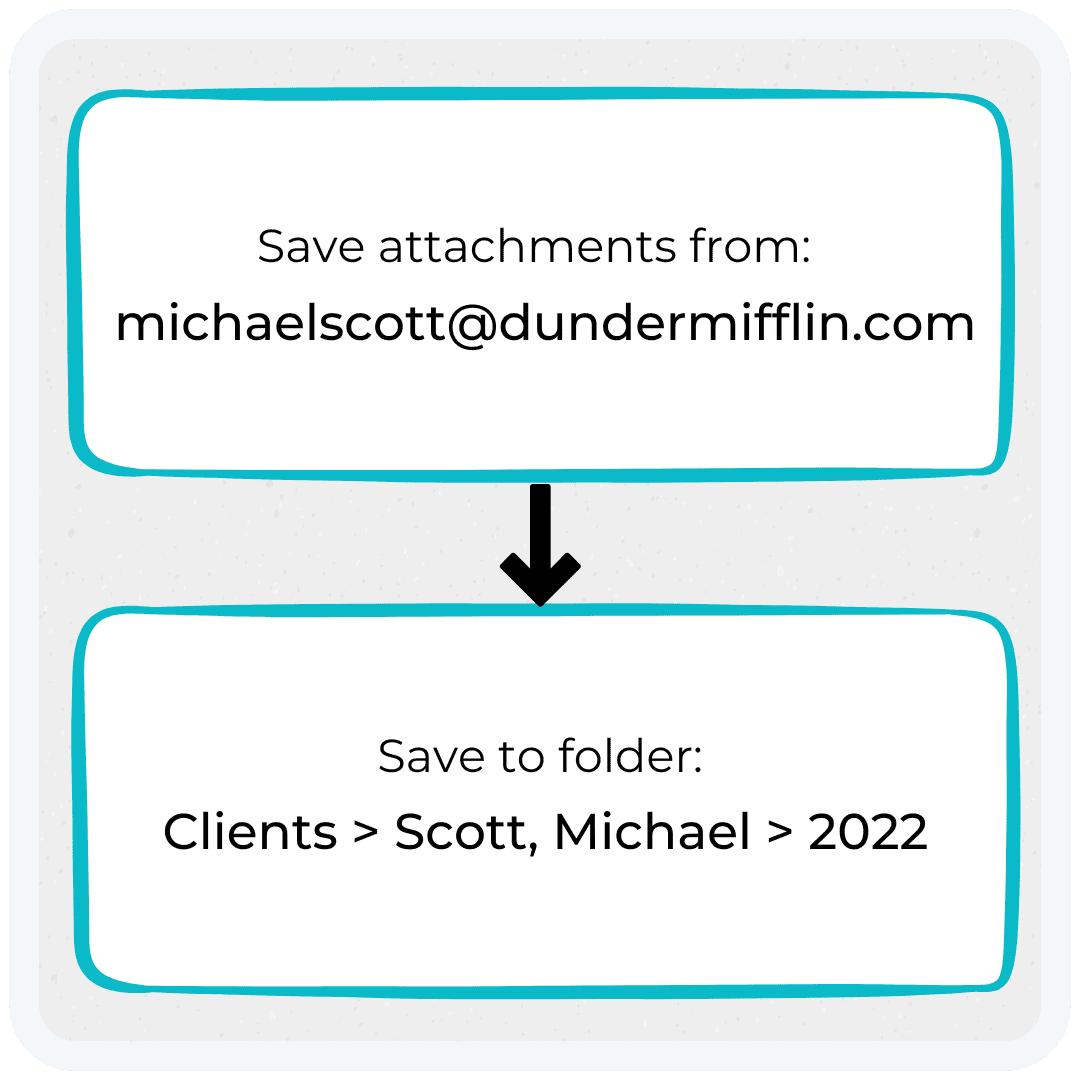
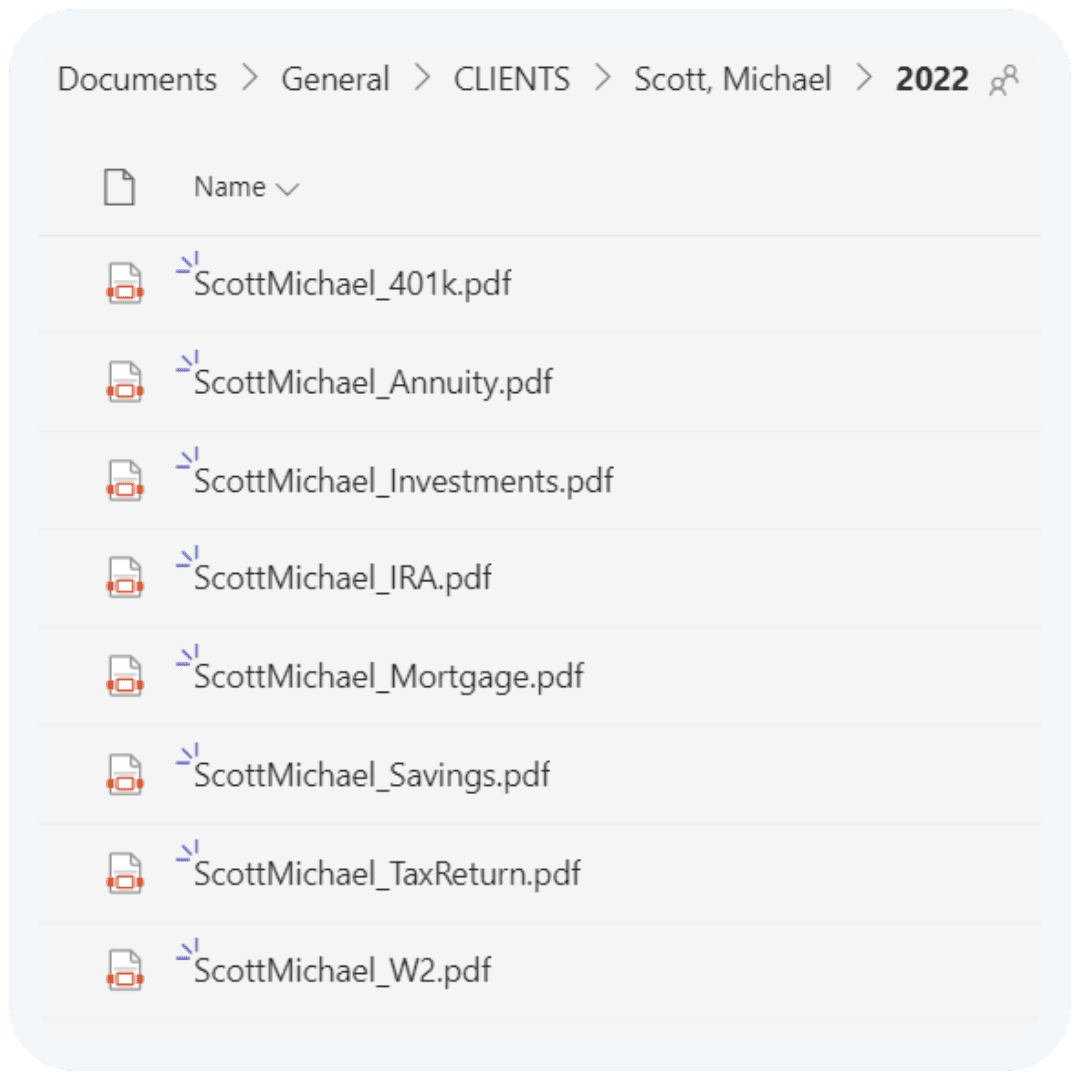
Route documents to the correct folder
2
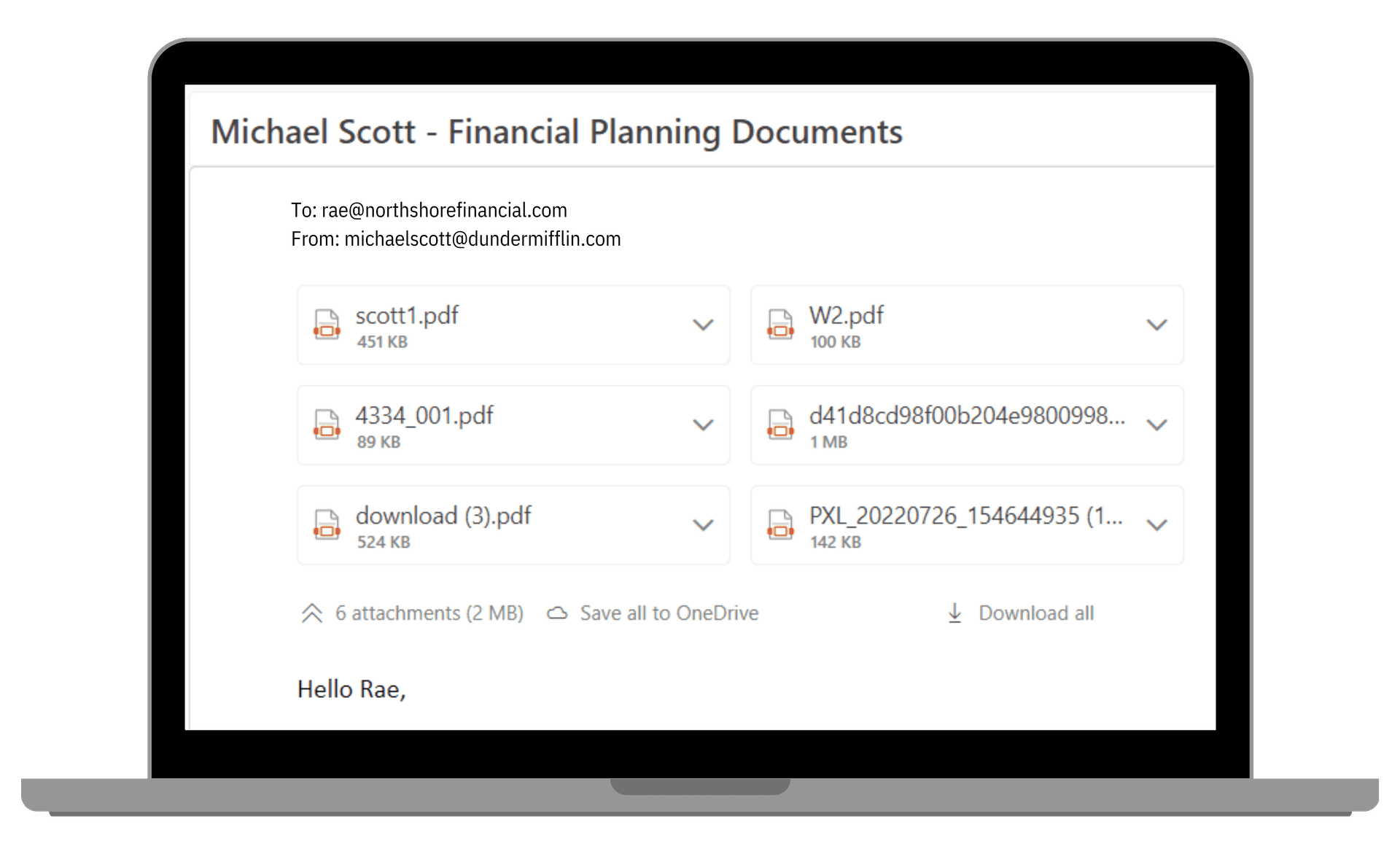
Create standardization by renaming the file
3
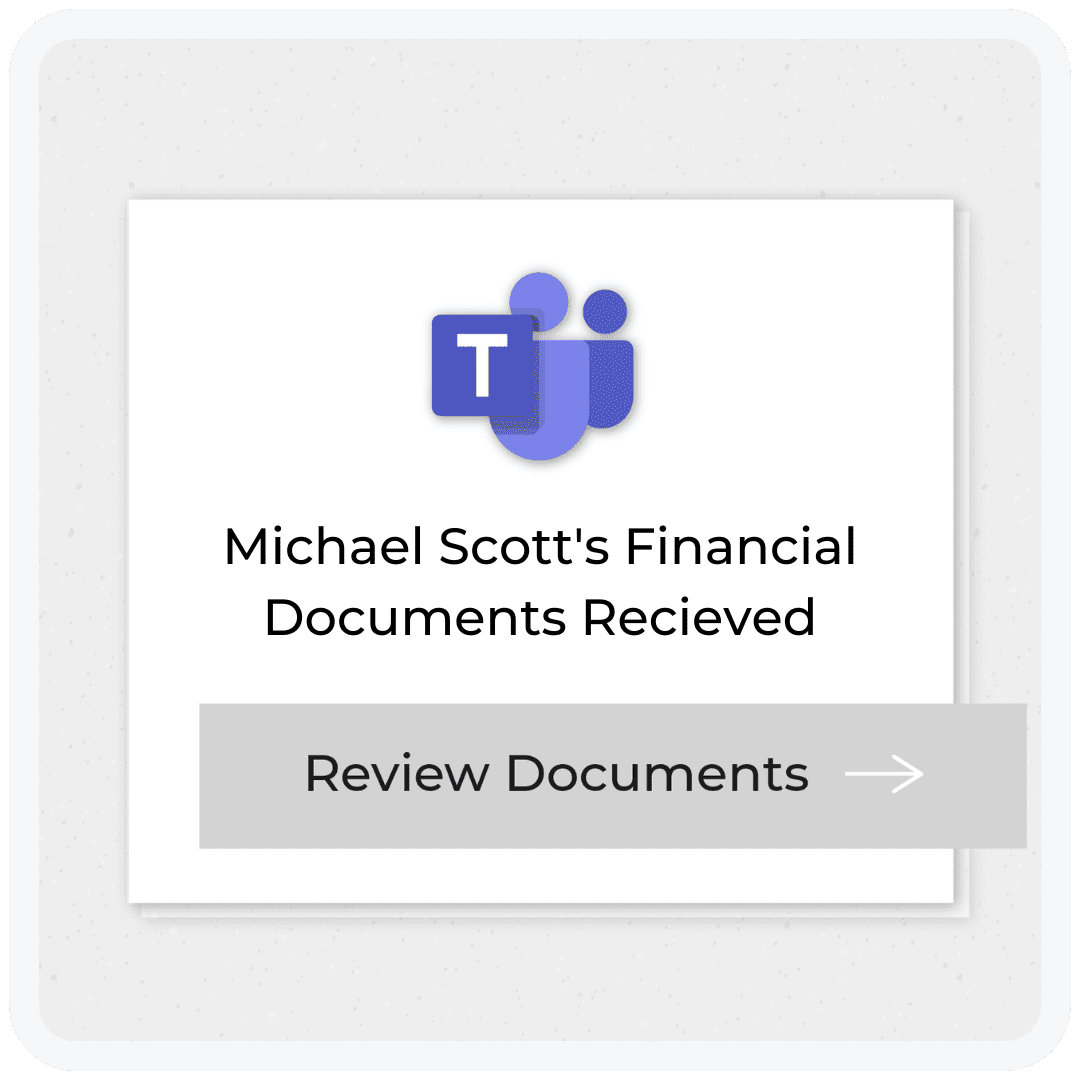
Alert your team when all documents are received
Route and rename attachments
No longer wonder if that document is saved and where it's located. Automatically route to exact folders or locations in your CRM. You can even rename the files so it's simple to find things in the future.
Level up internal processes
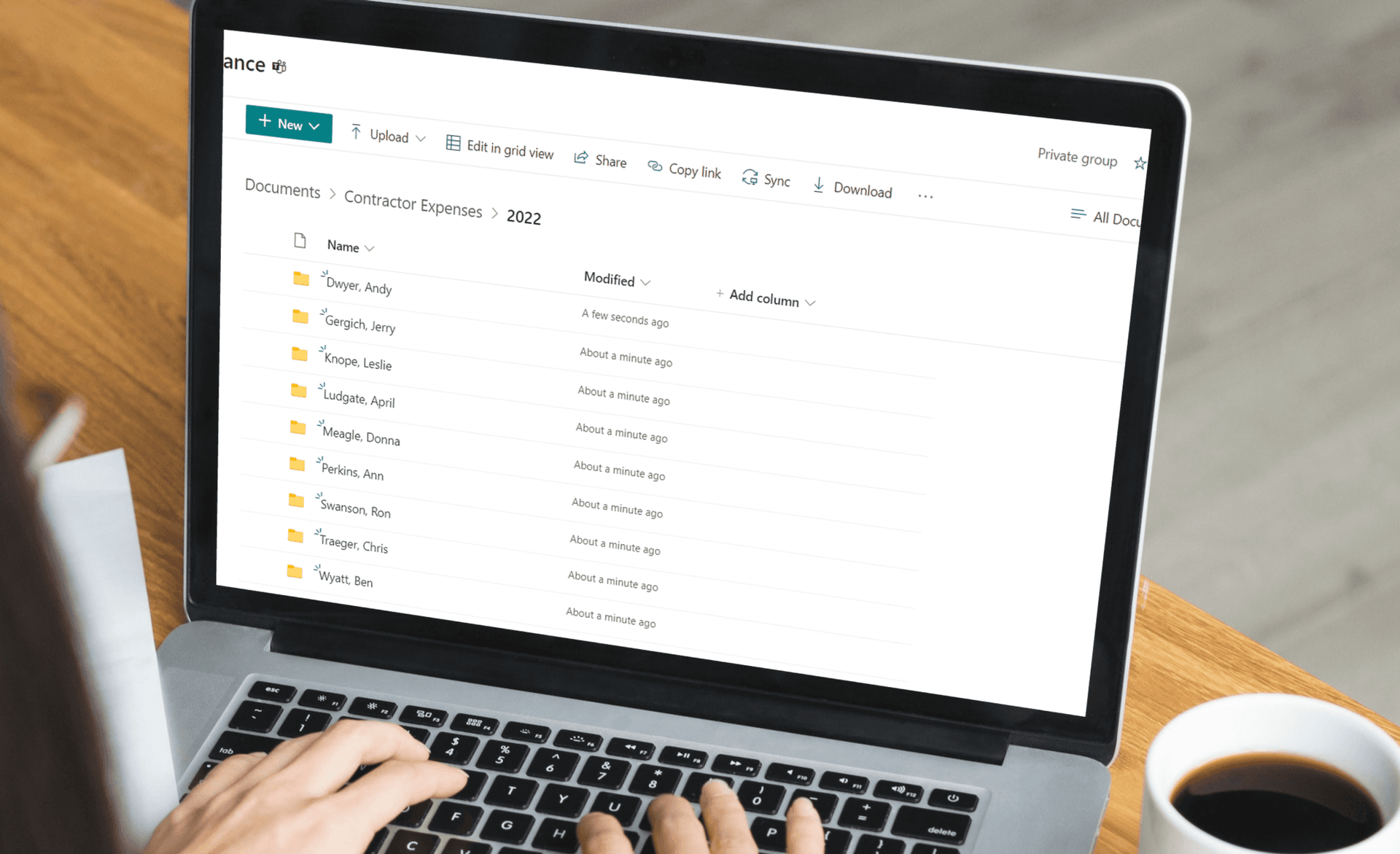
Do you have freelancers submitting receipts each month? Set up an email like receipts@yourcompany.com and have all receipts sent there.
Based on who sends the email, have the receipt uploaded to the correct location in your drive or database for safekeeping or reference.
Simple to edit
Want things to go to a different folder? You don't need to contact IT. With this solution, most staff members can change or update these preferences easily themselves.
Want to learn more about how we can help you?
Case Study
Automatically save and organize contractor receipts
Industry: Law Firm
Location: California
Company size: 9 employees
- Mapped out workflow
- Created shared email address
- Contractors email receipts
- Receipts saved into their folder
Loved by our clients
What they're saying
A great experience all around!
Everything got so much faster and smoother!
RooksDM was excellent at helping streamline our systems!
Chat with Daleele
Interested in consolidating your technology and making your processes more efficient? Contact us today.